
Find Out if Your Passwords Are on the Dark Web
Check whether your credentials have been exposed in a data breach and are circulating on the dark web with AMSEC’s free dark web scan.
How AMSEC’s Free Dark Web Scan Works
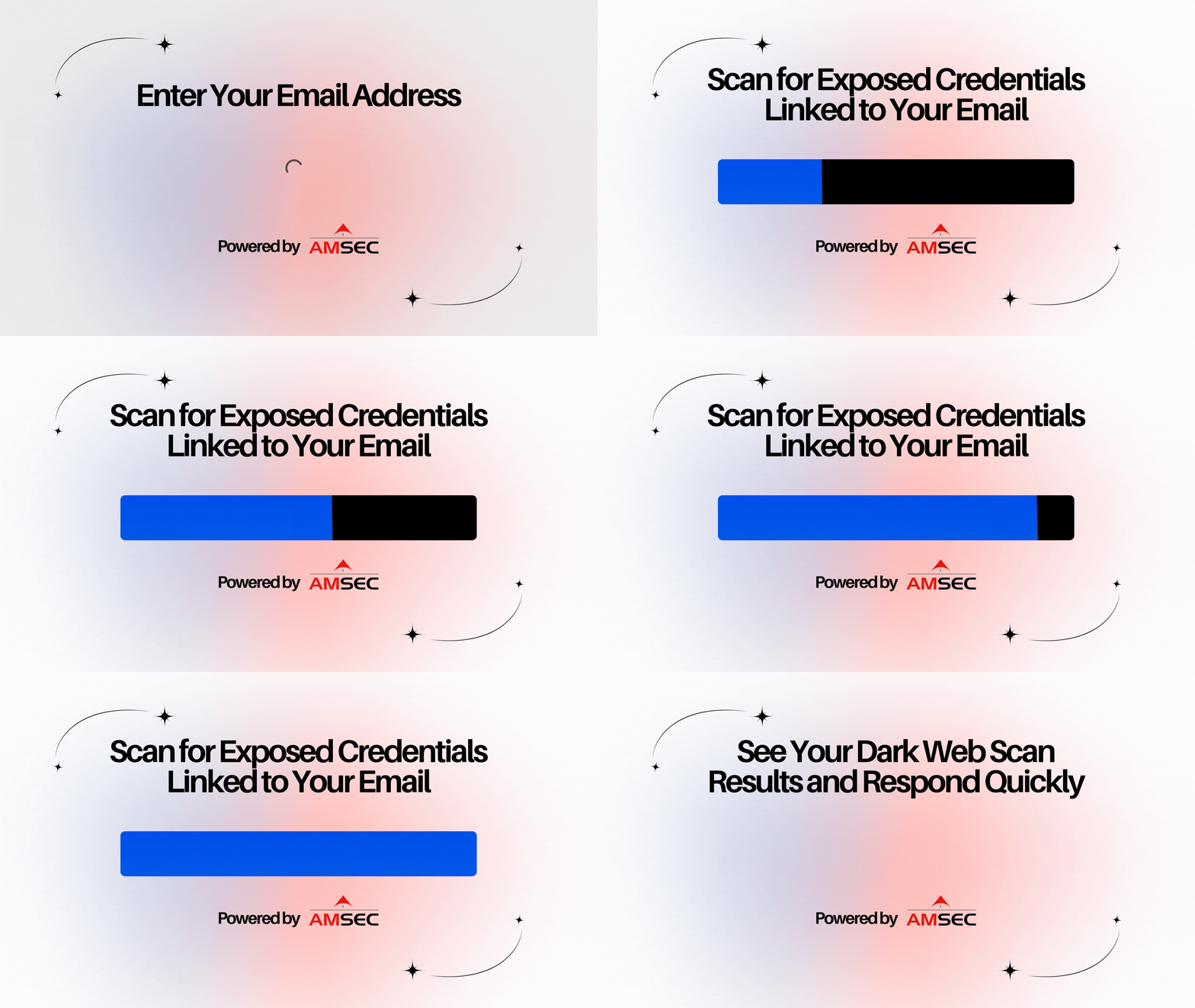
1. Start by entering your email address
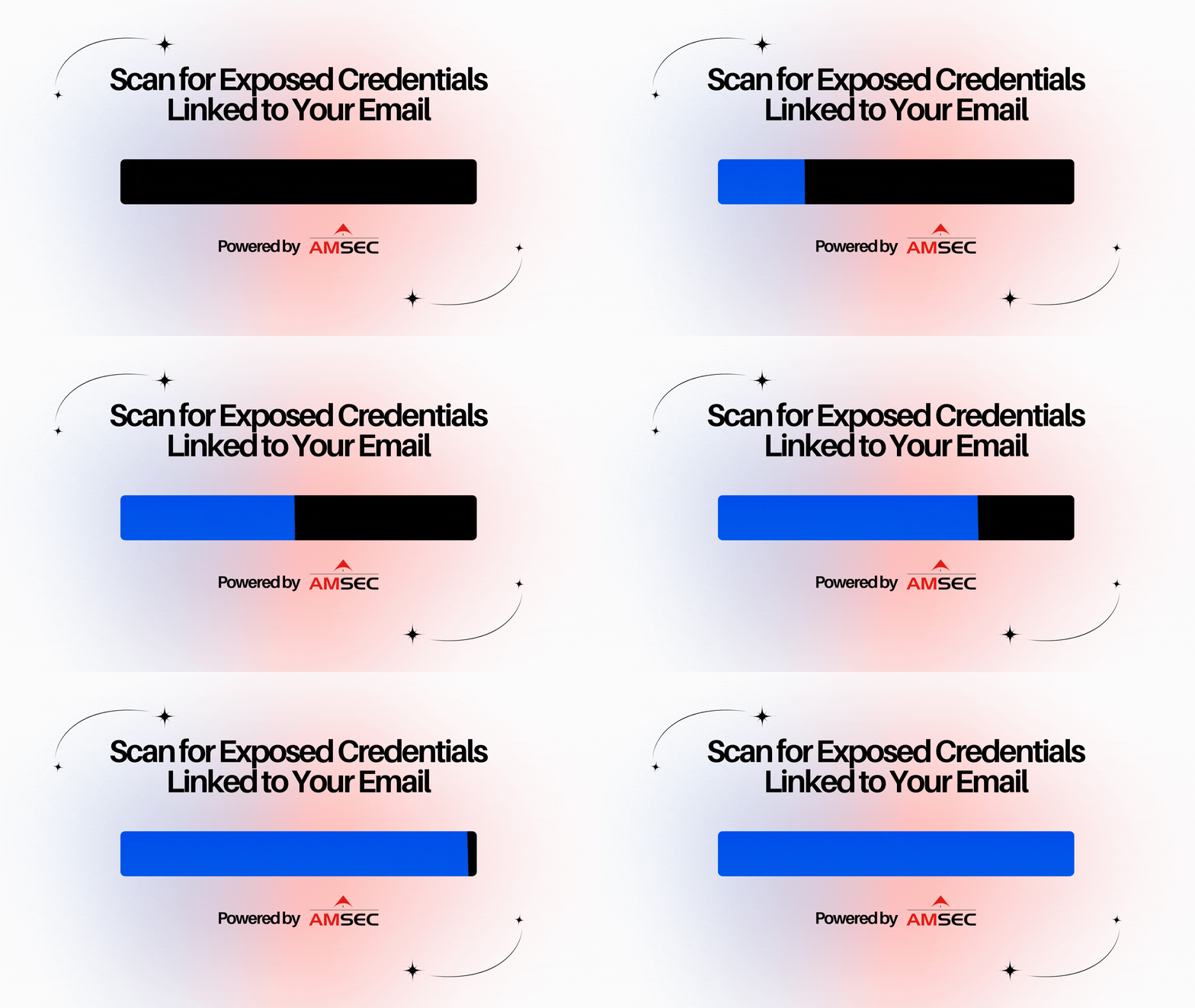
2. AMSEC scans for exposed credentials linked to your email address
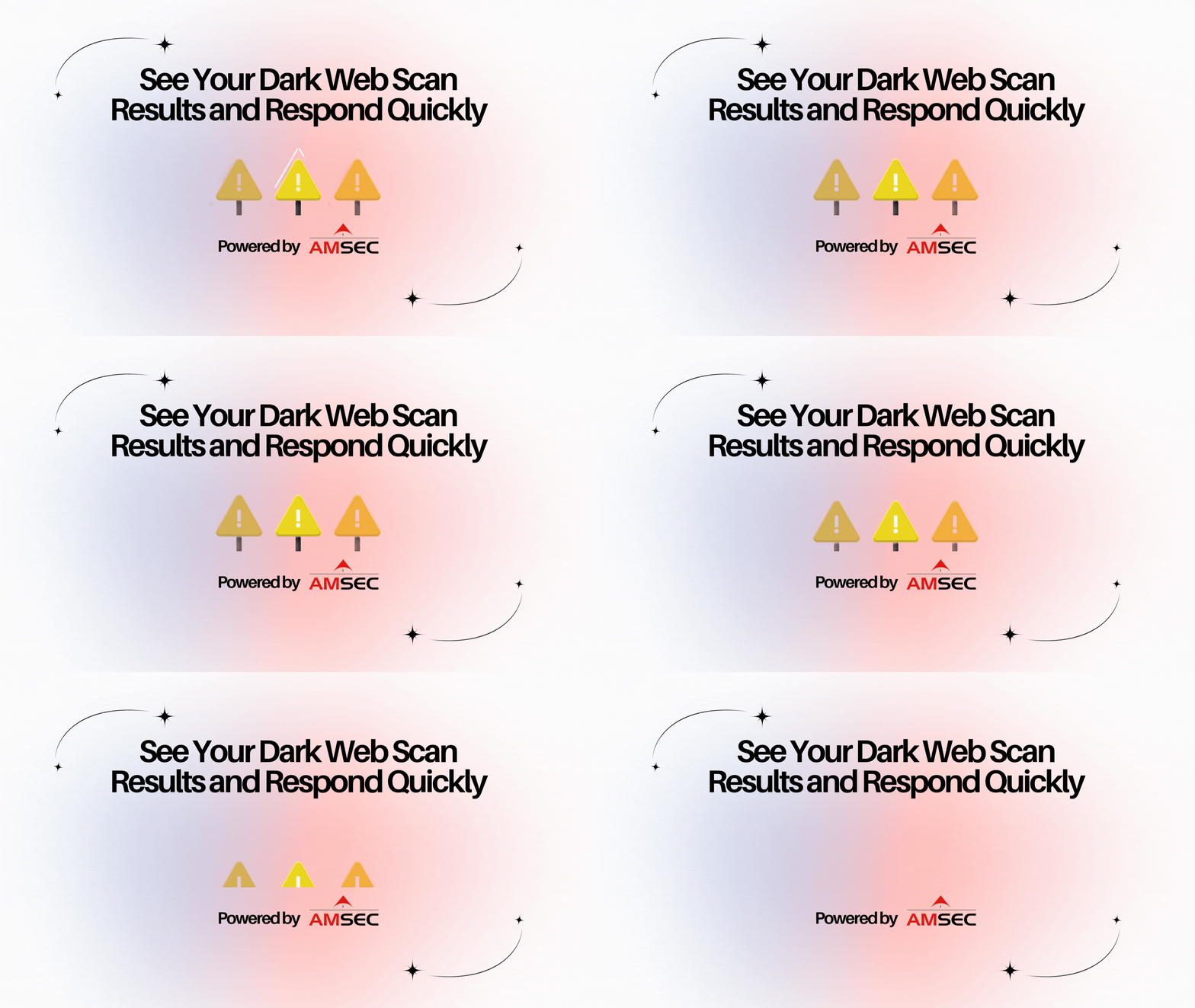
3. View your dark web scan results and take immediate action
AMSEC continuously monitors the internet and dark web for breached accounts connected to your email addresses. If your credentials appear in a known breach or on dark web forums, you’ll receive a real-time alert so you can act quickly and reduce the risk of account compromise.
AMSEC helps you stay ahead of threats by detecting exposed credentials early and preventing potential breaches before they happen.
Learn more about dark web threats and protection
Frequently asked questions
What is the dark web?
The dark web is a hidden part of the internet that isn’t indexed by search engines and can only be accessed using special tools like the Tor browser. It’s designed to allow users to browse and communicate anonymously.
While the dark web does have legitimate uses, it is also commonly used for illegal activities, including the buying and selling of stolen personal information like passwords, credit card numbers and other sensitive data.
Why get a dark web scan?
A dark web scan is an important step in protecting your personal information. It checks whether any of your credentials, like email addresses, usernames or passwords, have been exposed in a data breach and are circulating on the dark web. If any are found, you can take immediate action by updating your passwords and enabling Multi-Factor Authentication (MFA).
Is a dark web scan worth it?
Yes, a dark web scan is worth it because it helps you find out if your credentials have been exposed in a data breach. If your information ends up on the dark web, cybercriminals can use it to access your accounts, steal your identity or launch targeted attacks.
Early detection gives you the chance to stay ahead of threats and protect your accounts before damage is done.
What should I do if my passwords are on the dark web?
If your passwords have been exposed, follow these steps to protect your accounts:
- Change your passwords right away: Log into each account and reset the password. Use a new password that is strong and unique. If you’re struggling to create a strong password, use Keeper’s free password or passphrase generator.
- Consider switching to passkeys: For supported websites and apps, use passkeys whenever they’re available as an option. Passkeys not only streamline logging into accounts, but they’re also a lot more secure than passwords.
- Review your other accounts: Even if they weren’t directly exposed, update any accounts using the same or similar passwords. And remember to never reuse passwords across accounts.
Taking these steps quickly can help prevent unauthorized access and keep your information secure moving forward.
Does AMSEC have dark web monitoring?
Yes. AMSEC provides continuous dark web monitoring to detect if your credentials have been exposed in a breach. If your email or associated accounts are found on the dark web, AMSEC will send you a real-time alert so you can act quickly and reduce the risk of compromise.